It sounds backwards the first time you notice it. You press the button from the end of the driveway and the door starts moving. Then you walk up to the door, press it again from a few feet away, and nothing happens. Press it from arm's length and still nothing. Step back ten feet and it works again. The remote is not dead in the usual way, and the opener is not failing outright. Something about the signal, or about where the remote is when you press it, has changed. In Broward County this complaint comes up often enough that it is worth walking through the likely causes in order, because most of them can be checked from outside the door without touching any moving parts.
First, separate the remote from the opener
Before you assume the opener is at fault, find out whether the problem follows the remote or stays with the door. Take a second remote, if you have one, and try it from the same close distance. If the second remote works up close, the problem is in the first remote — usually the battery, sometimes a stuck button. If both remotes behave the same way, the problem is at the opener or in the space around it, and the remotes are fine.
You can run the same test with the wall button inside the garage. If the wall button opens and closes the door normally, the opener's motor, travel limits, and safety reverse are all doing their jobs. That narrows the fault to the radio side of the system: the remote, the antenna, or interference.
The antenna wire is worth checking first
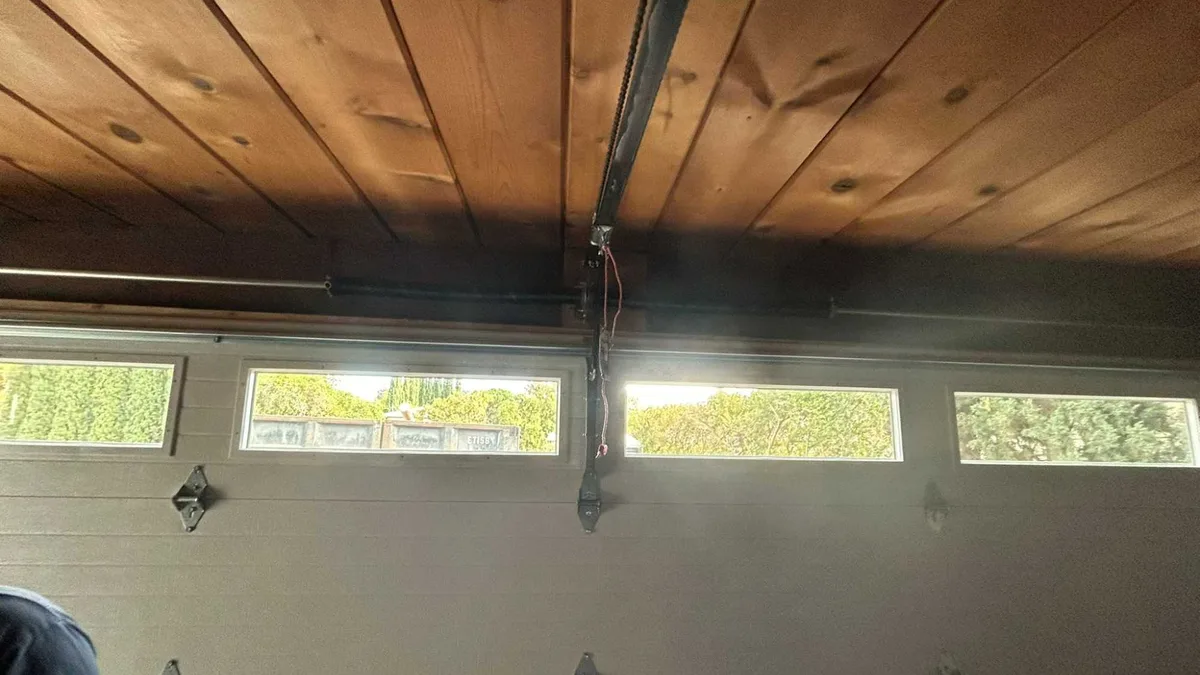
Every opener has an antenna, and on most residential units it is a thin wire hanging from the back of the motor head, near the ceiling. It is easy to knock loose when someone is storing boxes, moving a ladder, or working around the opener. A wire that has been pushed up against a metal track, coiled, or tucked behind the housing can behave poorly at close range, because the remote is then transmitting from underneath the antenna rather than across open air toward it.
Look at the wire without touching the opener's drive train. If it is hanging free and straight, that is correct. If it is bundled, taped to a joist, or lying against metal, straighten it out and hang it down clear of the tracks and the door's path. Then test the remote from a few feet away. This one adjustment resolves a good share of these calls.
Interference from nearby electronics
Remote openers share radio spectrum with a lot of household equipment, and interference is a real cause of short-range failure. The usual suspects are LED and fluorescent light fixtures, especially older or inexpensive ones, Wi-Fi routers and access points mounted in the garage, cordless phone bases, and battery chargers left plugged in near the opener. A device that emits radio noise close to the opener can drown out a remote that is transmitting from directly below it, while a remote at the end of the driveway is far enough away to get through.
To test this, turn off the lights in the garage at the breaker and unplug anything else on that wall, then try the remote up close. If it works with the power off, turn circuits back on one at a time and test after each. When the remote stops working again, you have found the source. Moving the offending device, or replacing a noisy light fixture with one that is rated for use near electronics, usually clears it up.
Battery, button, and the small physical checks
A weak remote battery does not always fail cleanly. It can produce a signal strong enough to reach the opener from across the driveway and too weak to be decoded reliably at close range, depending on how the remote's circuit behaves as voltage drops. Replace the battery before anything else, and check the contacts for corrosion while the cover is off. Florida humidity finds its way into remotes that live on a visor or in a pocket.
Also check the button itself. A button that sticks or that only makes contact at an angle will behave inconsistently. Press it slowly and listen for the click. If the remote is a multi-button model, confirm you are pressing the door button and not a second-channel button that was never programmed. And if the remote has a lock or vacation switch, confirm it is not engaged — that switch stops the remote from working at all, which is a different symptom but an easy one to mistake for a range problem.
What the remaining causes look like
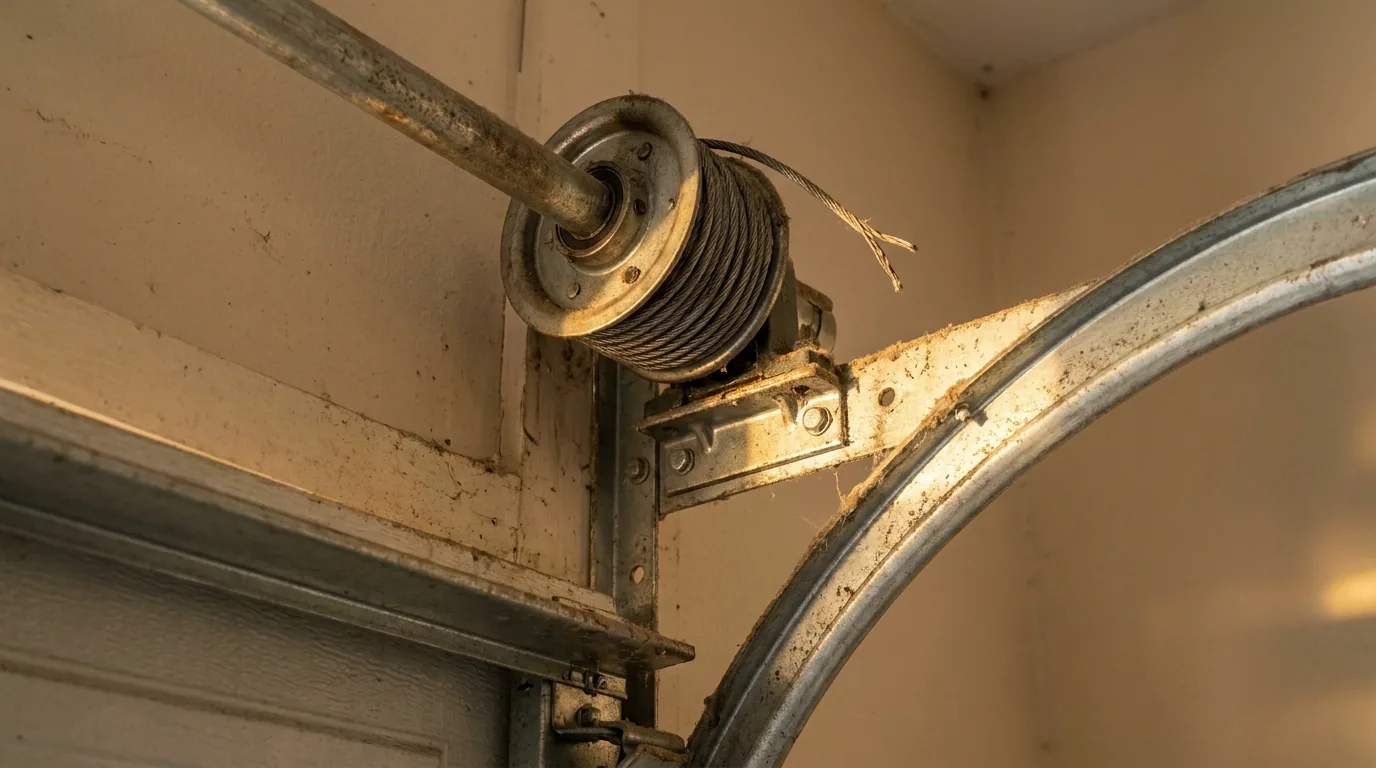
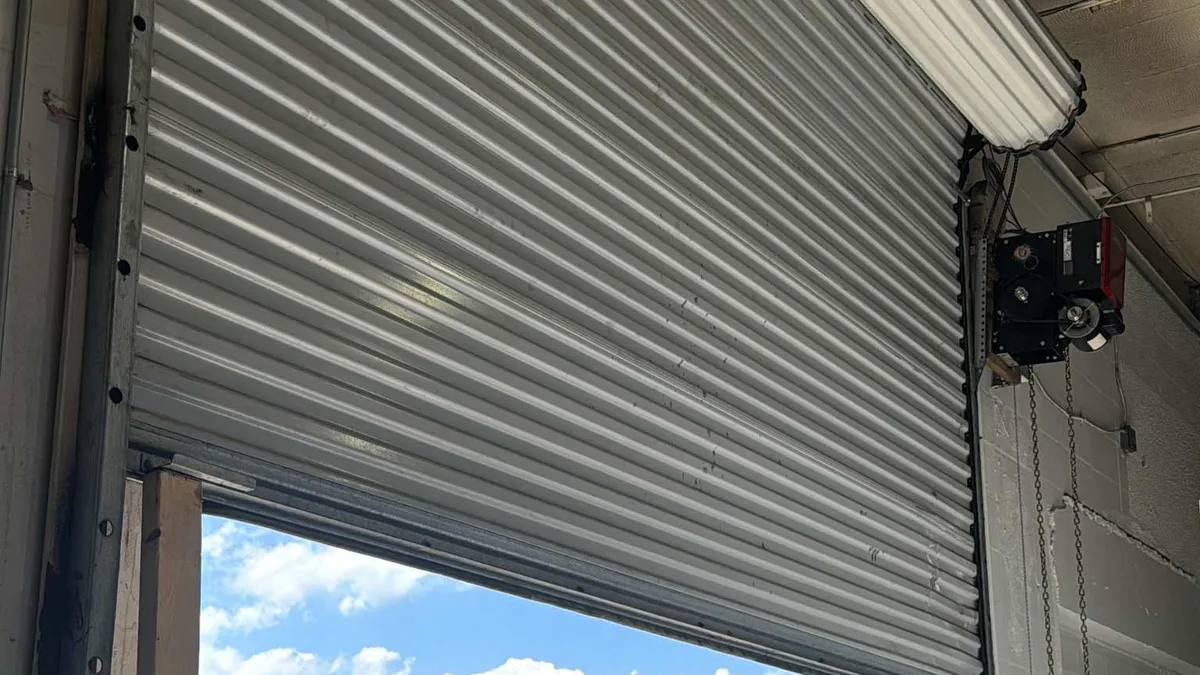
If a fresh battery, a straightened antenna, and a check for interference do not solve it, the remaining possibilities sit inside the opener's radio board or in the logic that decodes the remote's signal. Those are not homeowner repairs. The opener's springs balance the door's weight, and the cables and drums carry that load, so the housing and rail are not something to pry at or probe while you are chasing a radio fault. A technician can test the receiver, re-pair the remotes, and confirm the safety reverse still works after any change.
One more thing to rule out before you call: a door that is stiff in its tracks can stall on the first inch of travel, and the opener may stop itself and look like it never received the command. If the wall button produces the same short lift or no movement at all, the problem is mechanical rather than radio, and it belongs in a different diagnostic path. Watch the door from a few feet back while someone else presses the wall button, and note whether it moves at all.
CrownLift Garage Doors works on openers and remotes throughout Broward County, and the company is licensed and insured. If you have already checked the easy items and the door still ignores you at close range, call (877) 897-6132 or email service@crownliftgarage.com. Weekday hours run 7:00 AM to 8:00 PM, weekends 8:00 AM to 6:00 PM, and emergency service is available.
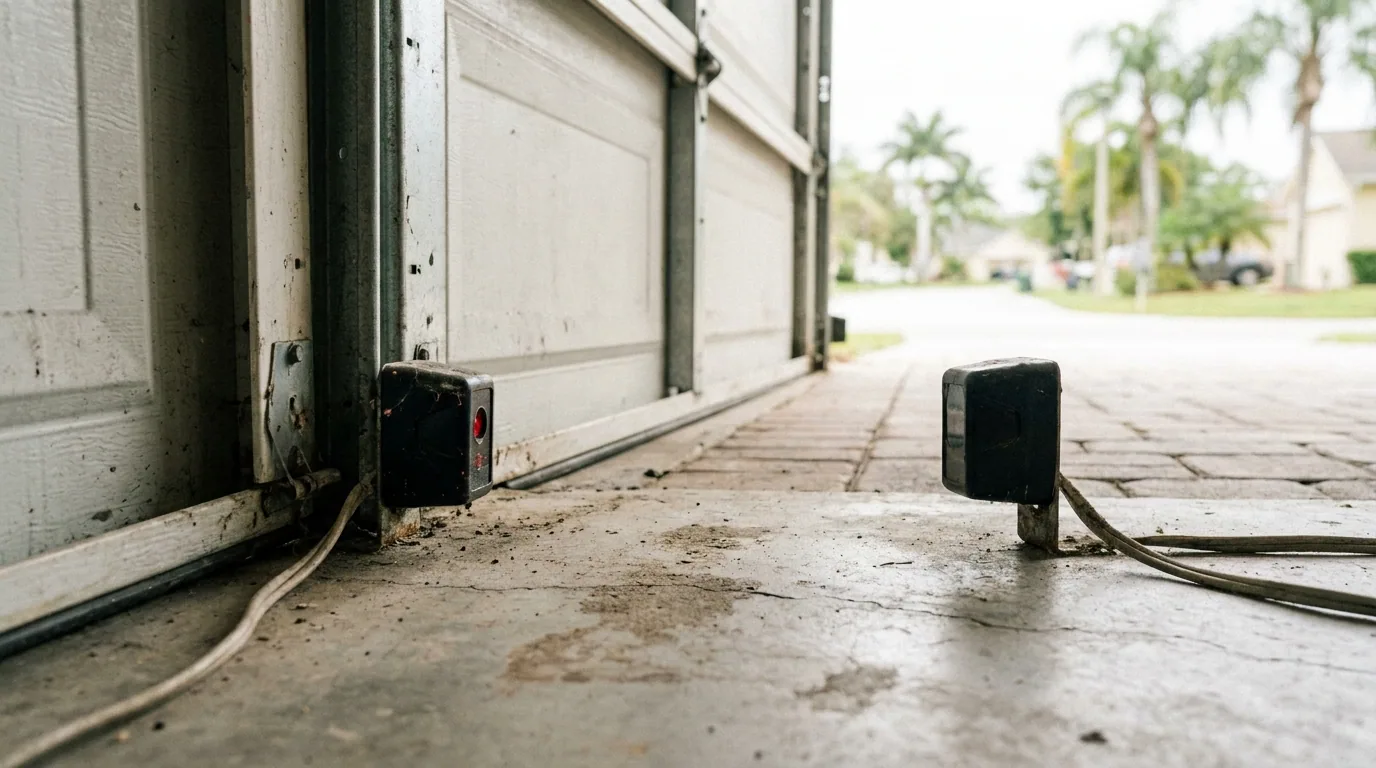
One last note on safety: while you are testing, keep your hands away from the torsion spring, the cables, and the rail's drive mechanism. Watch the door from a few feet back, and if it ever fails to reverse when something blocks the photo-eye, stop using it and have it looked at before the next cycle.