A smart garage door opener is an opener with a network connection, and that connection adds a handful of features to the button on your visor: you can see whether the door is open or closed from your phone, get a notification when it moves, have it close itself when you leave, and in some models run the door on battery power during an outage. Those features are genuinely useful, but each one has limits that the packaging does not spell out. This guide walks through what each feature does in practice, where it can mislead you, and how it fits with the rest of the door system. Springs, cables, and the opener drive train stay with a technician; what follows is about the smart layer on top.
Remote status: knowing open from closed
The most basic smart feature is a status readout in an app. A sensor mounted on the door reports whether it is fully closed, fully open, or somewhere in between. That sounds trivial until you are already on the highway and cannot remember whether you closed it.
The limit is that the app reports what the sensor sees, not what the door is doing. If the sensor is misaligned or its battery is low, the app can show “closed” when the door is open, or the reverse. Treat the status as a convenience, not a security guarantee. If the reading seems wrong, the sensor mounting is the first thing a technician checks.
A second limit: status tells you position, not condition. A door can be fully closed and still have a spring that is about to fail or a roller that is seizing. The app will not warn you about either. Those are found by a technician during service, not by the phone.
Alerts: what they can and cannot tell you
Most smart openers can send a notification when the door opens or closes, and some can alert you if it has been left open for a set period. For a household with kids coming and going, or a light commercial bay that should be shut after hours, that is a practical feature.
What alerts cannot do is tell you why the door moved. An alert that the door opened at 2 p.m. does not distinguish between a family member using the wall button, a neighbor with a remote that was never cleared, and a fault in the opener's logic board. If you get an alert you cannot explain, the useful next step is to note the time and ask a technician to check the opener's memory and the remotes paired to it. Do not start pressing buttons at random; that only adds entries to the log.
Alerts also depend on the same sensor as the status readout. A sensor that has slipped will produce alerts that do not match reality, which is worse than no alerts at all.
Geofencing: convenience with a catch
Geofencing uses your phone's location to trigger an action when you arrive or leave. The common setup is to have the door close automatically when your phone moves a certain distance from the house. It is convenient, and it removes the “did I leave it open” worry from the drive to work.
The catch is that geofencing is only as reliable as the phone's location services. If the phone's battery is dead, or location permissions are off, or the app loses its connection, the door will not close. That is not a failure of the opener; it is a failure of the trigger. For that reason, geofencing works best as a backup to a routine, not as the only way the door gets closed. A wall button by the entry door is still the most reliable close in the house.
There is also a safety point. Any automatic close depends on the door's safety reverse system working. If the photo-eye is blocked or misaligned, an automatic close will reverse instead of closing, and the app may report a fault. That is the system doing its job. The fix is to clear the obstruction or have the alignment checked, not to override the safety device.
Battery backup: what it covers and what it does not
Battery backup lets the opener run the door during a power outage, usually for a limited number of cycles. In Broward County, where afternoon storms can knock out power without much warning, that is more than a luxury; it means you can still get the car out of the garage.
The limit is that battery backup powers the opener, not the door's mechanical condition. If a spring is broken or a cable has snapped, the opener will strain against a door it cannot lift, and the battery will drain quickly. Battery backup is not a substitute for maintenance. It also does not power the safety sensors in every model, so check that the door still reverses properly on battery before relying on it.
Battery health is another factor. These batteries age like any other and lose capacity over time. A backup that worked for several cycles last year may only manage one or two now. A technician can test the battery during a routine service visit.
Where the smart layer meets the mechanical door
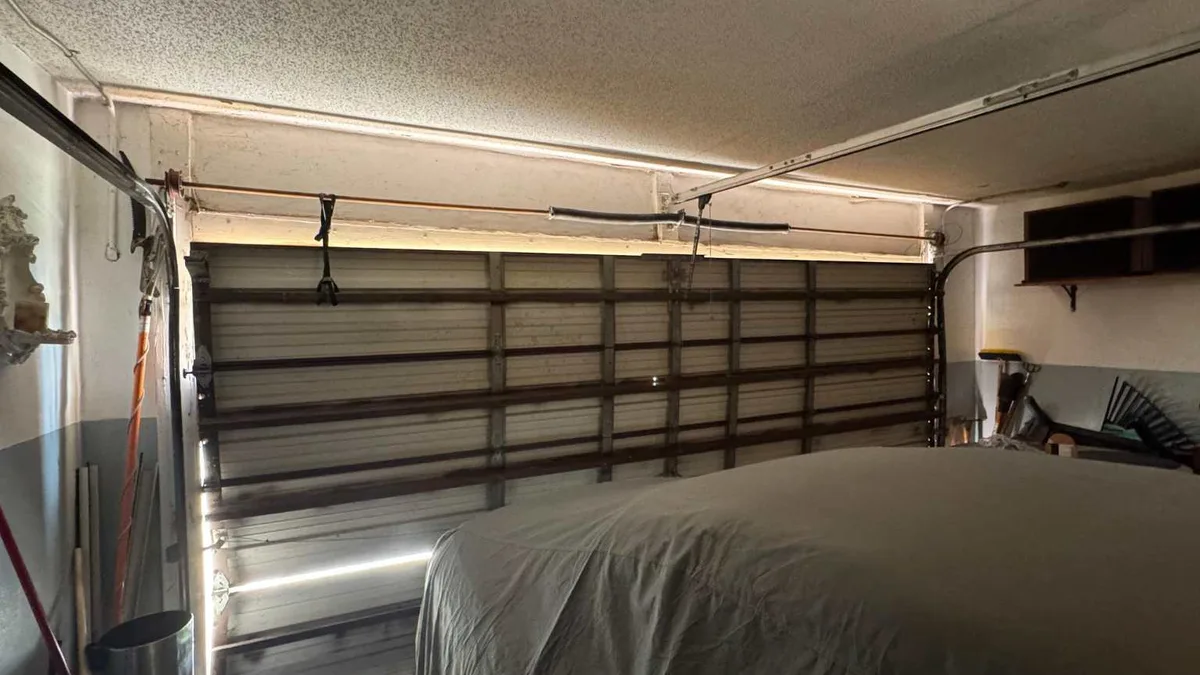
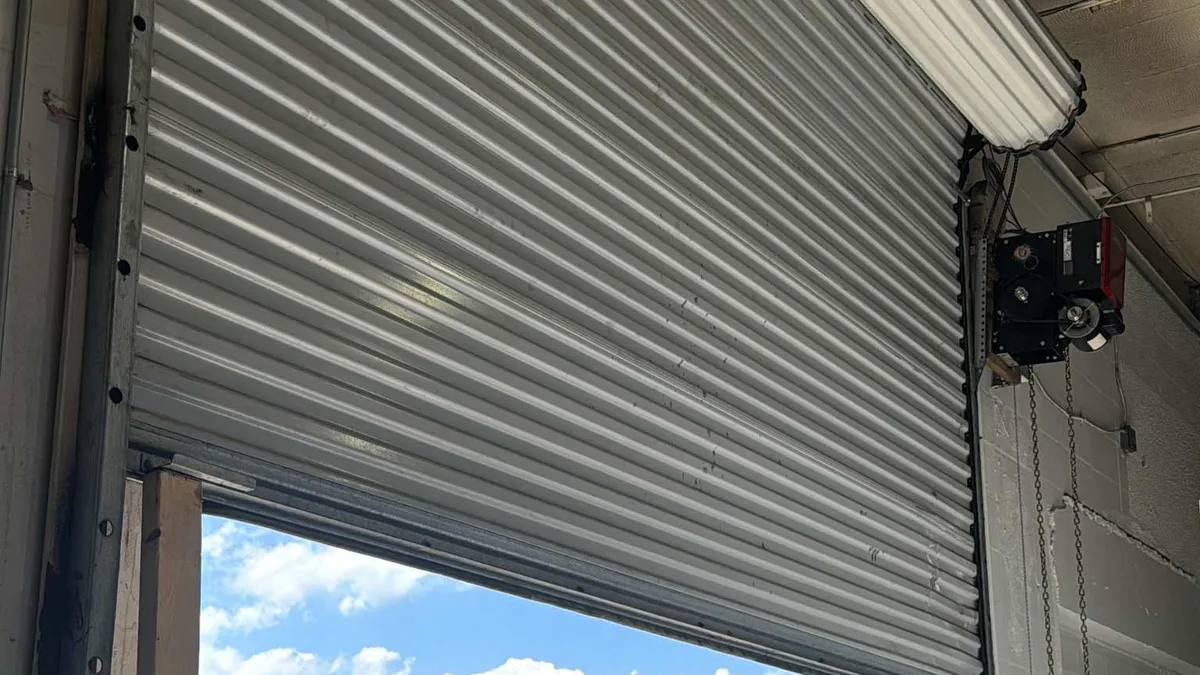
None of these features change the fact that a garage door is a heavy moving assembly under spring tension. A smart opener can tell you the door is closed, but it cannot tell you the spring is fatigued, the rollers are dry, or the track is out of alignment. Those conditions show up as symptoms you can see or hear from outside the door with the garage empty: the door sitting crooked, a gap along the top, a new noise at the start of a cycle, or the door feeling heavier when you use it normally.
If you notice any of those, the smart features are not the place to start. Have a technician inspect the springs, cables, rollers, and track. CrownLift Garage Doors serves homeowners and light commercial properties across Broward County, including Hollywood, Fort Lauderdale, Hallandale Beach, Dania Beach, Davie, Pembroke Pines, Miramar, Weston, Sunrise, Plantation, Cooper City, Southwest Ranches, West Park, Pembroke Park, Aventura, and North Miami Beach. The company offers garage door openers, springs, repairs, new installation, replacement, and commercial garage doors, and is licensed and insured. You can reach the team at (877) 897-6132 or service@crownliftgarage.com. Hours are Monday through Friday 7:00 AM to 8:00 PM and Saturday and Sunday 8:00 AM to 6:00 PM, with emergency service available.
If you are considering a smart opener, the practical advice is to treat it as an addition to a sound door, not a fix for a failing one. Have the existing door and its springs checked first, then decide which smart features you will actually use. The app is only as good as the sensor it reads and the door it controls.